
Assigning super admin role to users in g Suite
By Shivam VishwakarmaUpdated Nov 18, 2026
Login to Gsuite Admin account accessing below URL: admin.google.com
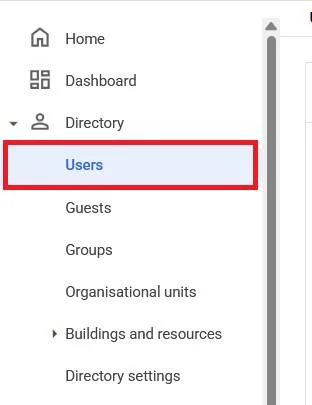
From the Admin console Home page, go to Users.
In the Users list, find the user.
Click the user’s name to open their account page.
Click Admin roles and privileges.

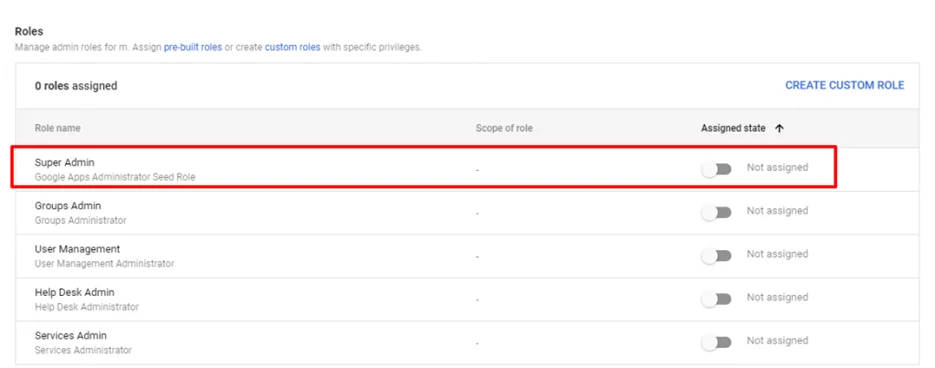
Click the Super Admin role. This displays a slider next to each role.
Next to the Super Admin role, click the slider so it’s marked Assigned
Click Save.