
KB How to Change MySQL User Password from cPanel
This article explains how to change the password of an existing MySQL database user through cPanel.
Applies To
cPanel
MySQL Databases
MariaDB Databases
Shared Hosting
VPS Hosting
Symptoms
• Application is unable to connect to the database.
• Database password needs to be reset for security reasons.
• User has forgotten the current MySQL password.
• Website configuration requires a new database password.
Cause
A database user password may need to be changed due to security requirements, suspected compromise, or application configuration changes.
Resolution
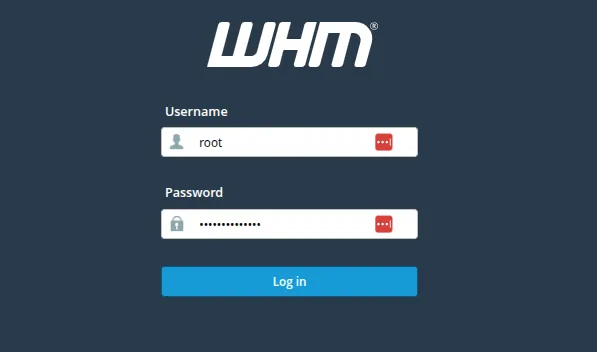
1. Log in to cPanel.
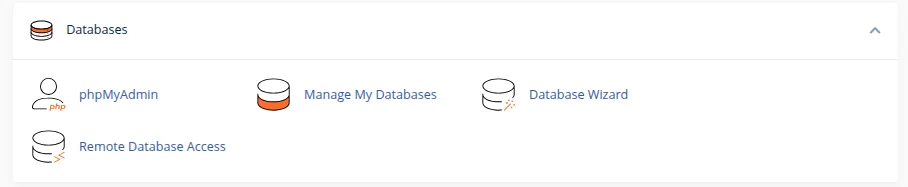
2. Click on Manage My Databases section in cPanel as shown below
3. Scroll to the Current Users section.
4. Locate the required MySQL user.
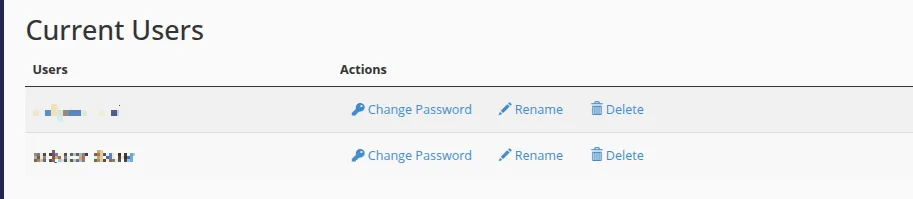
5. Click Change Password.
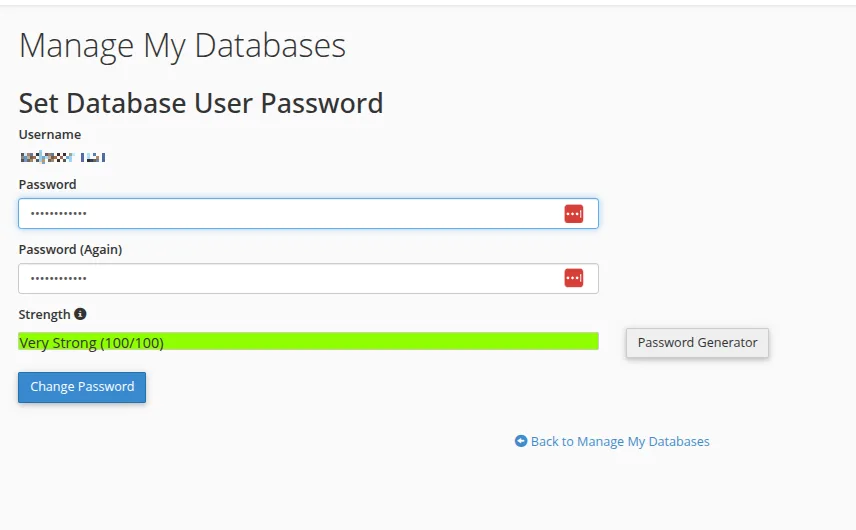
6. Enter a new password or use Password Generator.
7. Confirm the password and click Change Password.
8. Update the application configuration file with the new database password.
Verification
Open the website/application and verify it loads successfully. Confirm there are no database connection errors.
Troubleshooting
Verify the correct database username is being used. Update application configuration files with the new password. Check for typing mistakes and cached configuration values.