
How to repair a corrupted database from cPanel?
If you get the following error, it can easily be fixed from the built-in feature of cPanel: db is marked as crashed and needs to be repaired
First let’s check the Database to look for any potential issues by following the below steps:
Login to your cPanel account and search for Databases and click on it.
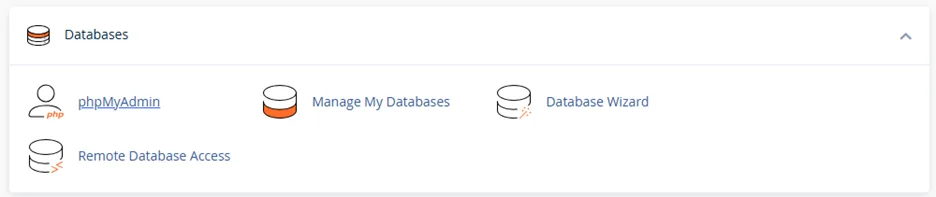
Browse for Modify Databases sections and look for the menu called Check Database.
Select the Database from the Drop-down menu which you wish to check and click on Check Database button.
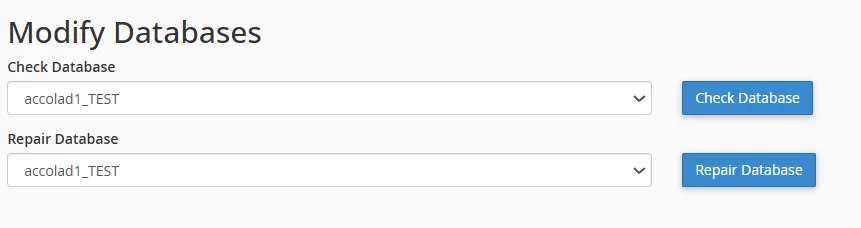
Now, cPanel will run a check on your Database and show you an output as below, if your Database is completely fine you will see a message as below, however, if there is an error in the Database or if it is corrupted then an error message would get displayed on this page.
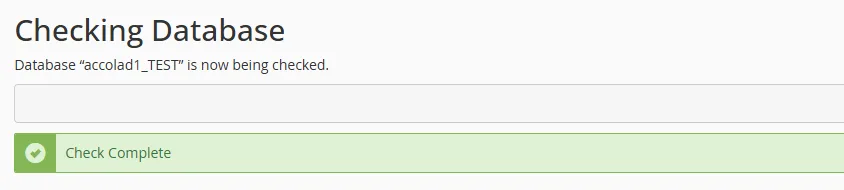
Now, in case your Database is corrupted and you received an error as “db is crashed” you can easily Repair your Database.
Follow the below steps from cPanel to Repair your Database:
Go back to Databases section by clicking on the Go Back link and under Modify Databases, look for the menu Repair Database.
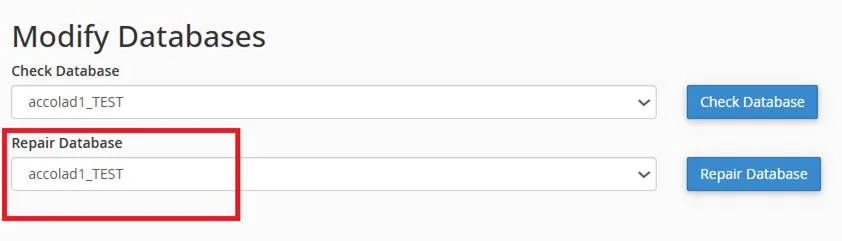
Select the corrupted Database from the drop-down menu and click on Repair Database button.
cPanel will then try to repair the Database and once it is successful you will receive the below message on your screen.
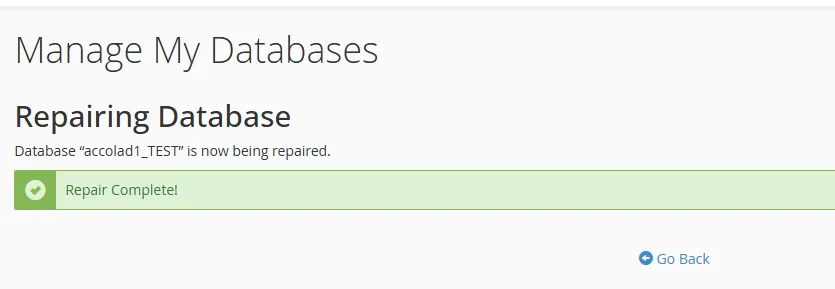
If the error still persists, we recommend you to contact your Website Developer or Database Admin.