
How to View Website Statistics Using AWStats in cPanel
This article explains how to access AWStats in cPanel to analyse website traffic and usage.
By Sahil SakpalUpdated Nov 18, 2026
Applies To
cPanel hosting environments
Linux-based web hosting
Symptoms
User cannot access traffic reports
Need detailed visitor analytics
No external analytics configured
Resolution
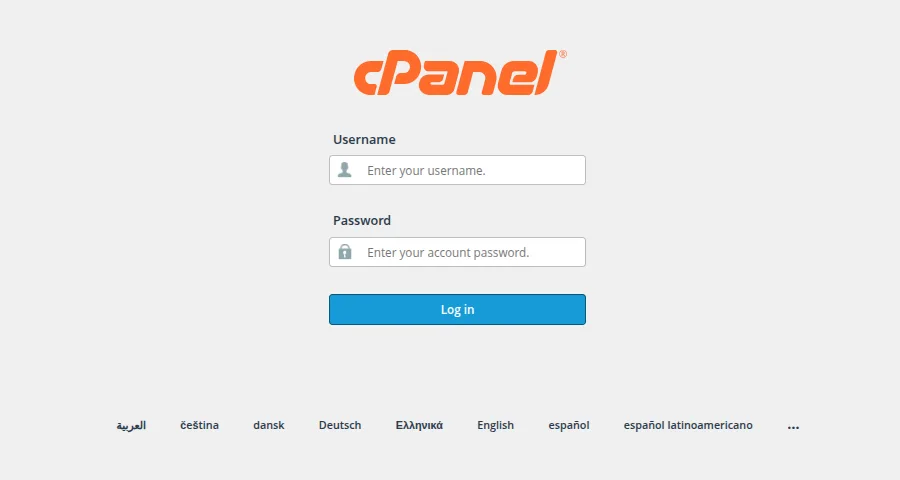
Log in to your cPanel account
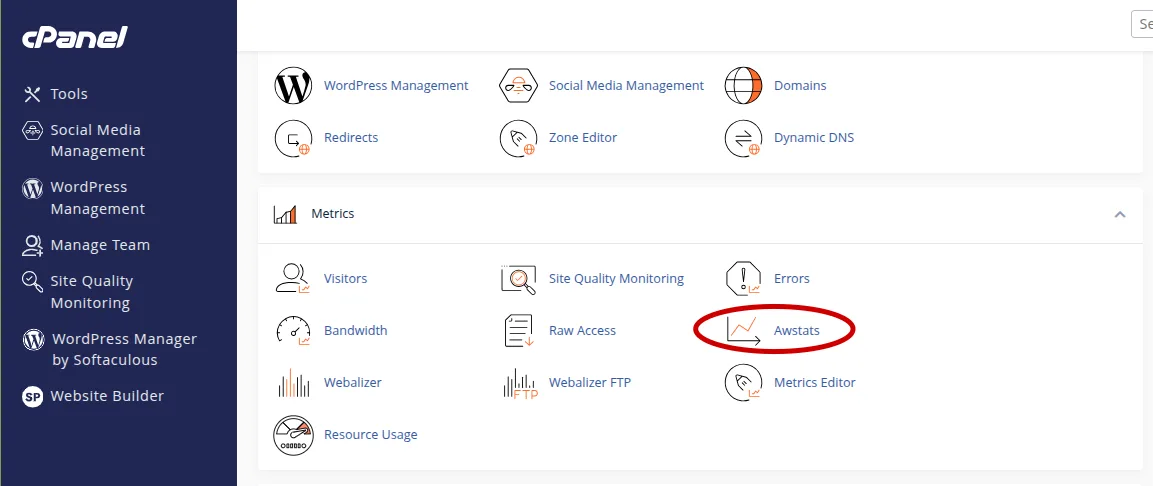
Scroll to the Metrics section
Click on AWStats
Select the domain you want to view
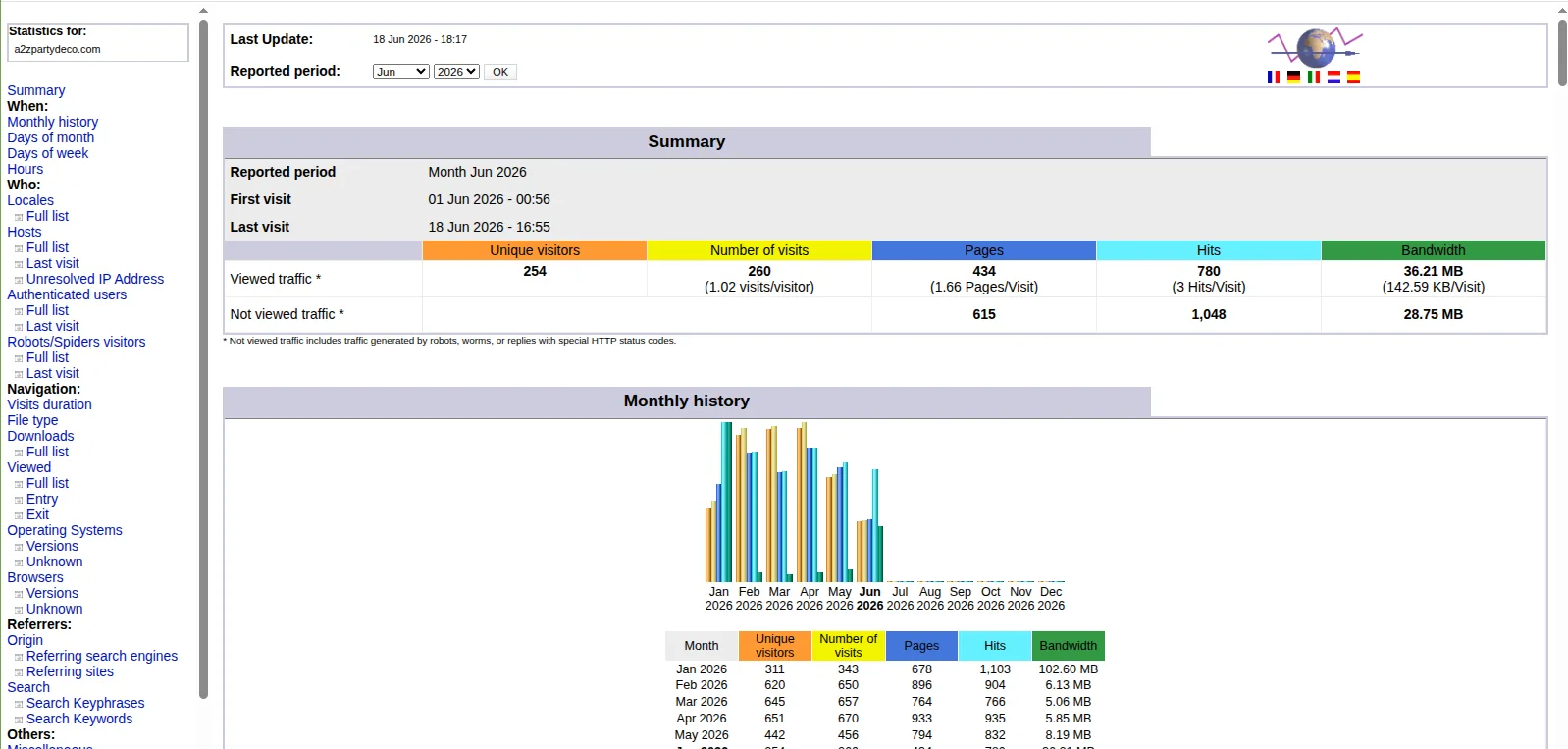
Review statistics including:
Visitors
Unique visitors
Bandwidth usage
Referrers and keywords
Click Full Report for detailed analytics
Verification
AWStats page opens correctly
Traffic data is displayed
Reports match expected usage
Troubleshooting
Ensure AWStats is enabled in cPanel
Check if logs are being generated
Contact hosting provider if statistics are missing
Wait for log processing (usually 24 hours delay)