
How to Raise a Support Ticket from Client Area
Summary
This article explains how to create a support ticket from the WHMCS client area to request assistance or report issues.
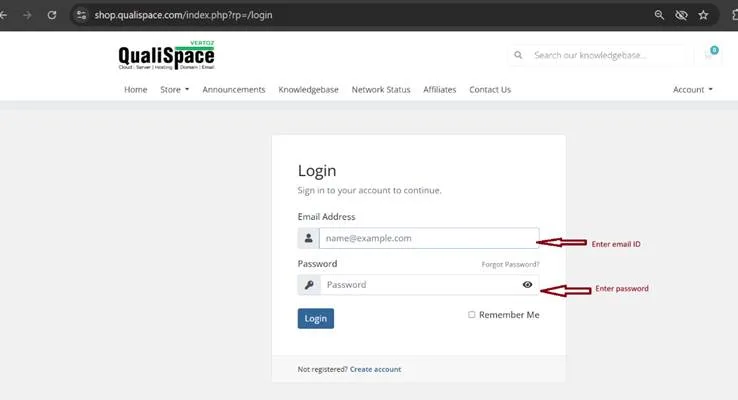
Visit your client area URL.
Log in using your registered email address and password.
3. Once logged in, navigate to 'Support' or 'Open Ticket'.
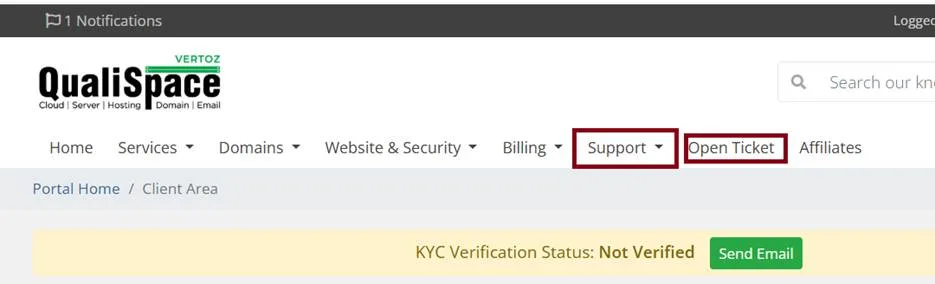
4. Click on 'Submit Ticket' or 'Open New Ticket'.
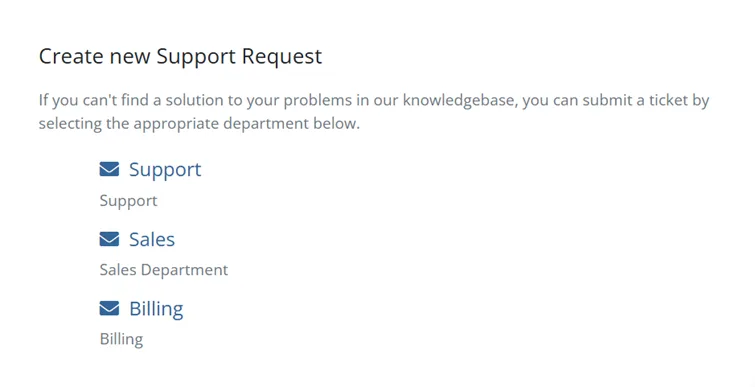
5. Select the appropriate department (e.g., Support, Billing, Sales).
6. Enter the subject of your issue.
7. Provide detailed information about the problem in the message box.
8. Attach relevant files or screenshots (if required).
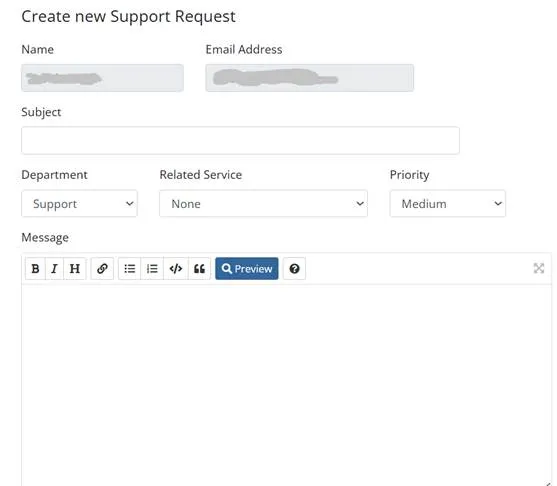
9. Click 'Submit' to create the ticket.
Verification
After submission, a ticket ID will be generated. You can view and track the status of your ticket under the 'Support Tickets' section.
Troubleshooting
Ensure correct login credentials are used.
Check internet connectivity if the page does not load.
Verify required fields are filled before submission.
Check spam/junk folder for ticket confirmation emails.
Contact support via alternative methods if unable to log in.