
How to Change Nameservers from the Qualispace Client Area
This article explains how to update nameservers through the client area.
By Gaurav DasUpdated Nov 26, 2026
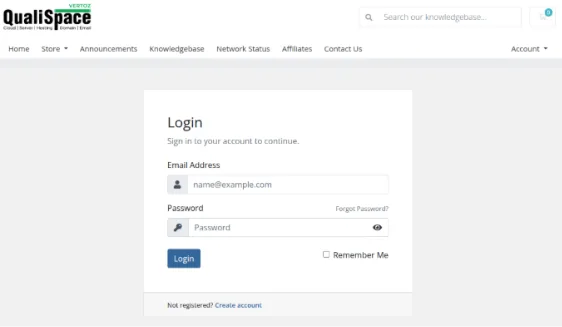
1. Log in to your client area using the appropriate credentials.
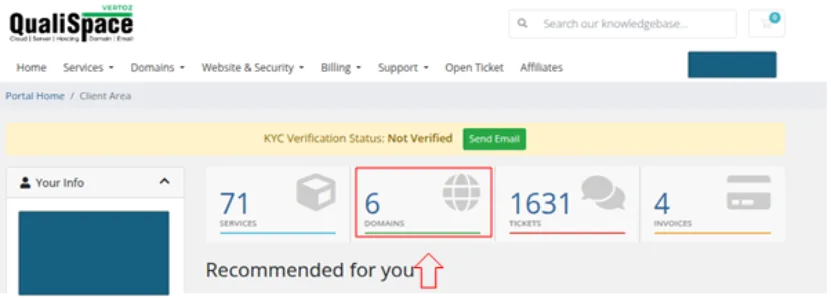
2. Click on Domains.
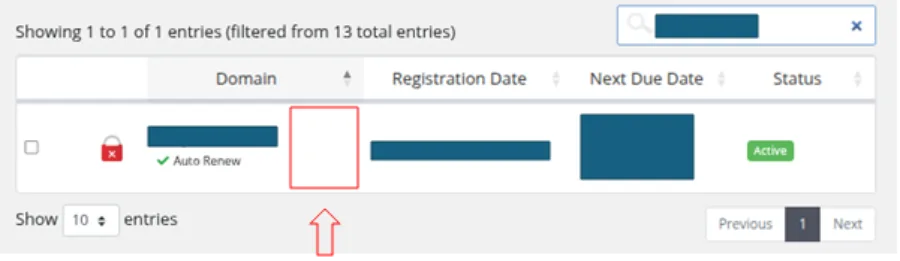
3. Search for the required domain and open its management page.
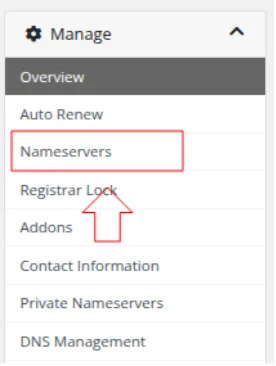
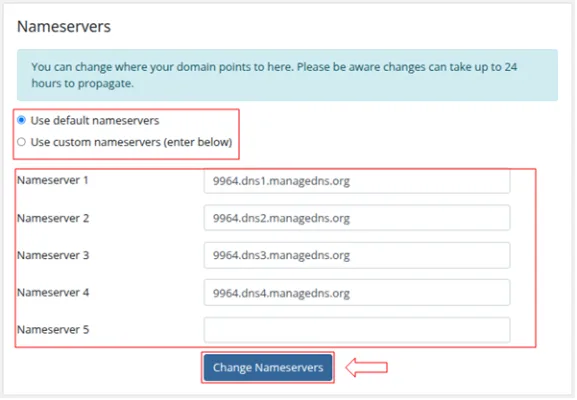
4. Click on Nameservers.
5. Choose either the default nameservers or enter custom nameservers and Click Change Nameservers to save the changes..
Verification
Nameserver propagation takes 24 to 48 hours for the changes to propagate, Kindly check WHOIS of the particular domain in order to verify the changes.
Troubleshooting
If the issue persists, review the steps above and contact support for further assistance.
- dns
- client area
- Nameserver
- Change DNS