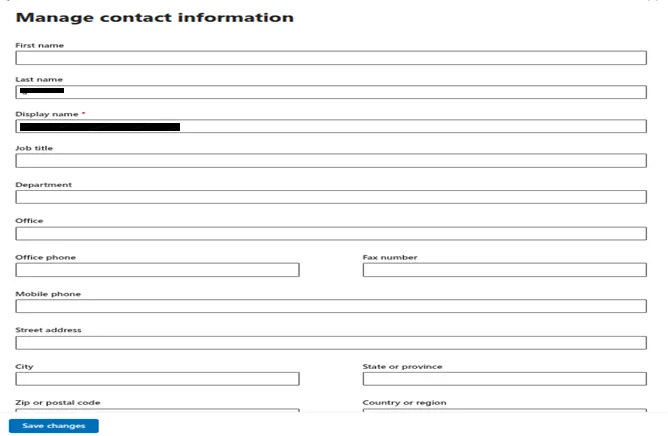
How to change the display name of an email ID in office 365
Update email-id's display name in office365
By Aditya AmbekarUpdated Nov 25, 2026
Kindly find below the steps to change the display name:
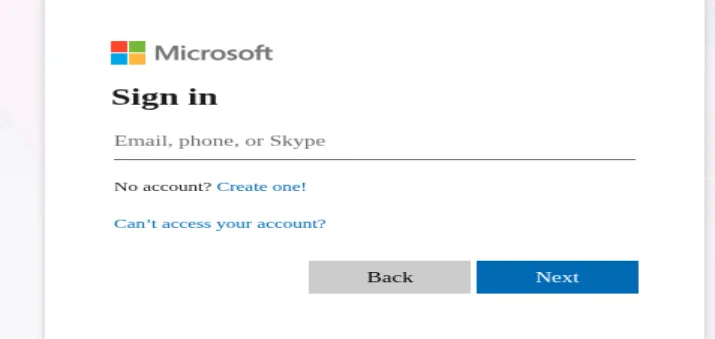
Log in to the Microsoft 365 Admin Center (https://portal.office.com)
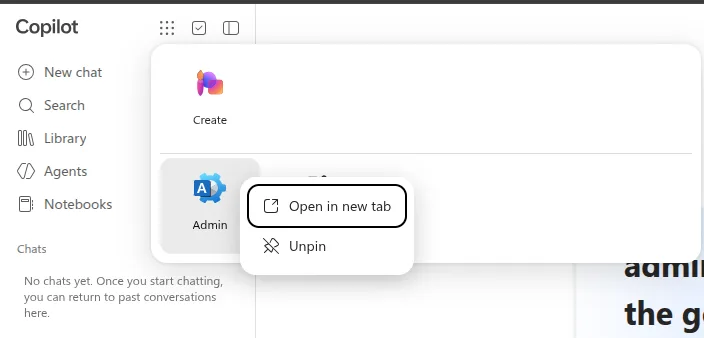
Click on the 9-dot grid icon or App Launcher icon (also known as the Waffle Menu) then click on the Admin.
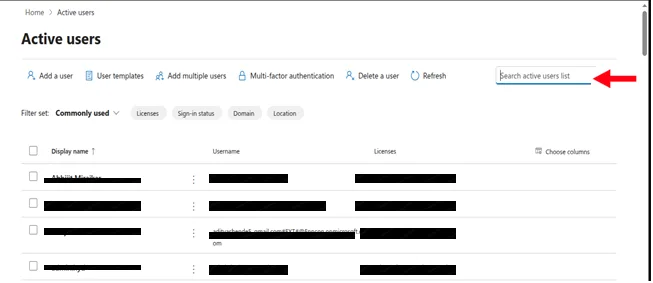
Navigate to Users → Active users.
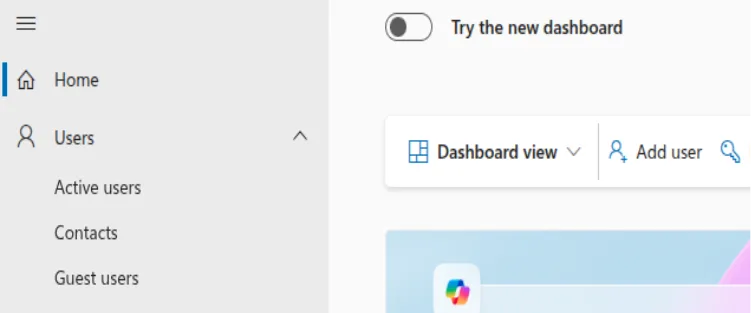
Search for and select the email account for which you want to change the display name.
Under the Account tab, select Manage contact information.
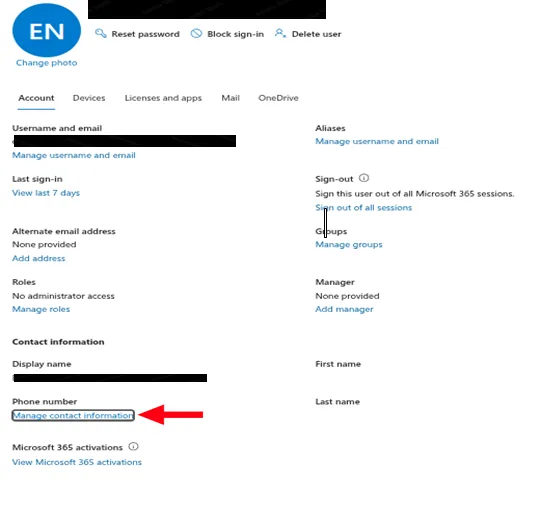
Update the Display name with the new name.
Click Save changes.