
How to Backup a Website in Plesk Server
This article explains how to take full backup in Plesk panel.
By Sahil SakpalUpdated Nov 18, 2026
1. Login to Plesk(Your Own Cloud Server)
2. Go to Websites & Domains
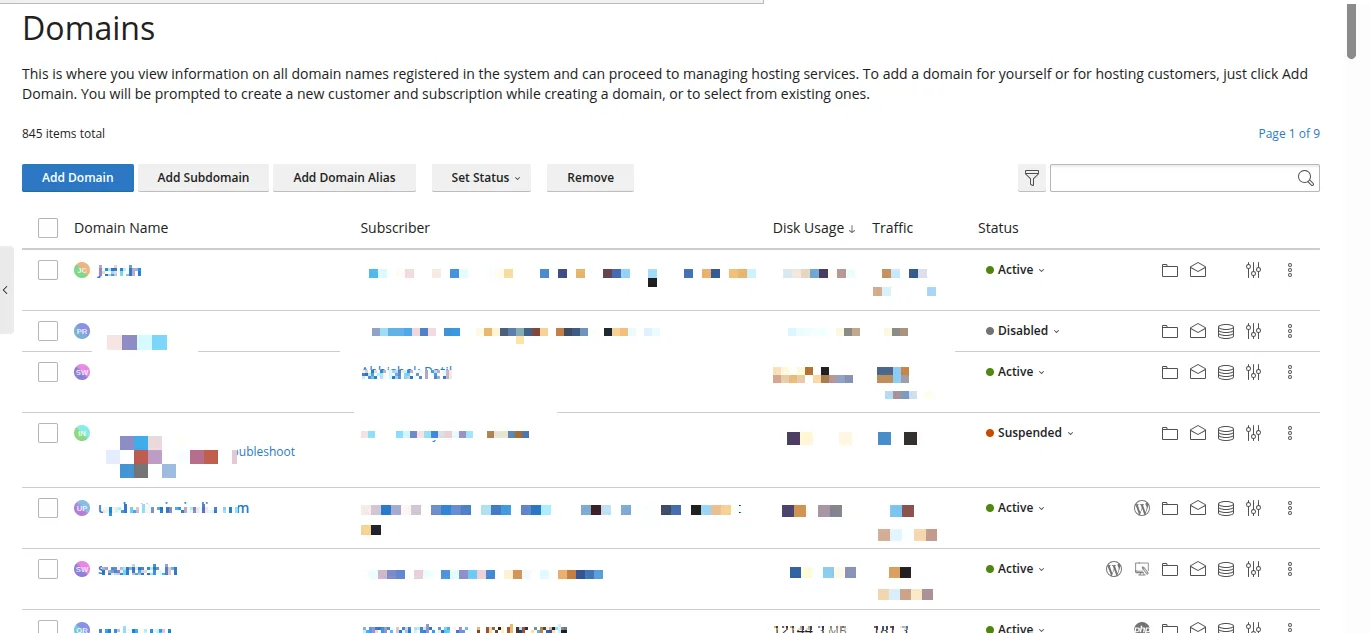
3. Click Backup Manager
4. Click Backup

5. Select Full backup
6. Start backup
Verification
Backup file created successfully
Troubleshooting
Check storage space
Retry backup if failed
- backup
- plesk backup