Create Database and User with the MySQL Database Wizard
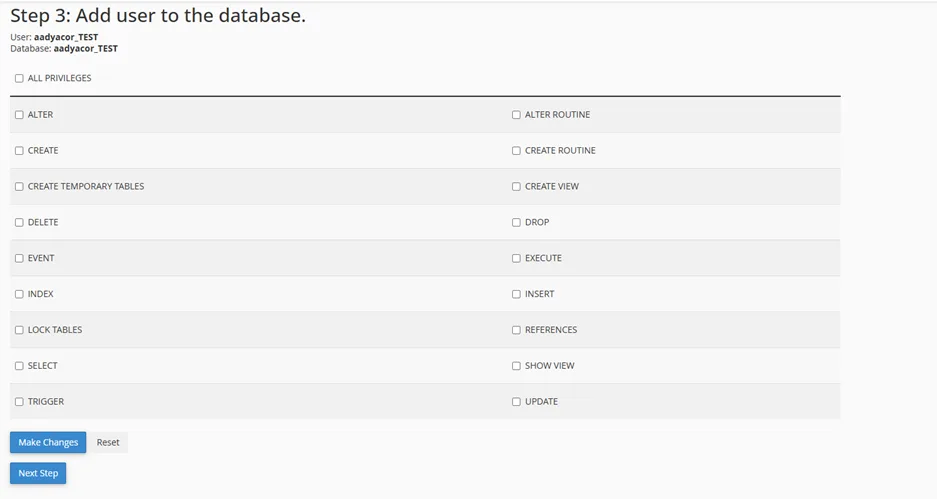
After logging into your cPanel, scroll down to the Databases section and click on the MySQL Database Wizard link.
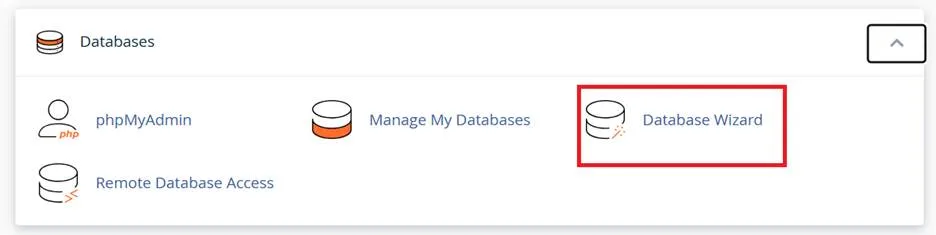
Type in the name for your database and then click Next Step. Please note, there is a limit of 8 characters that you can enter for the database name
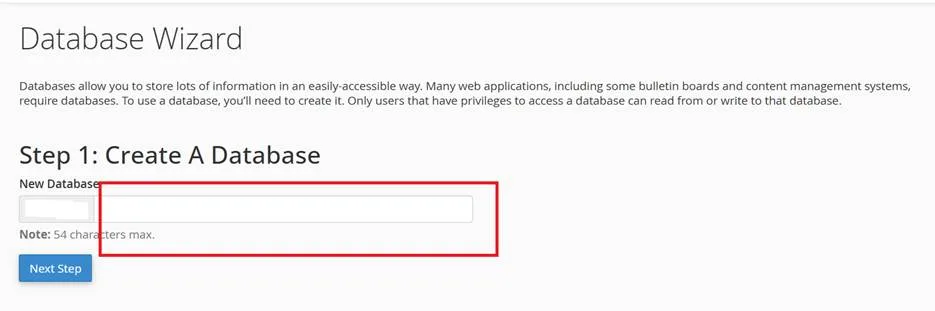
Enter a username to be associated with the database, then enter the password twice. Below the password boxes is a bar that indicates the strength of your password. Choosing a strong password is particularly important in web hosting. Web servers are usually more powerful and have access to greater bandwidth than your personal computer; this makes them a prime target for password crackers. We strongly recommend using the built-in password generator to create your password.
Click the Create User to continue.
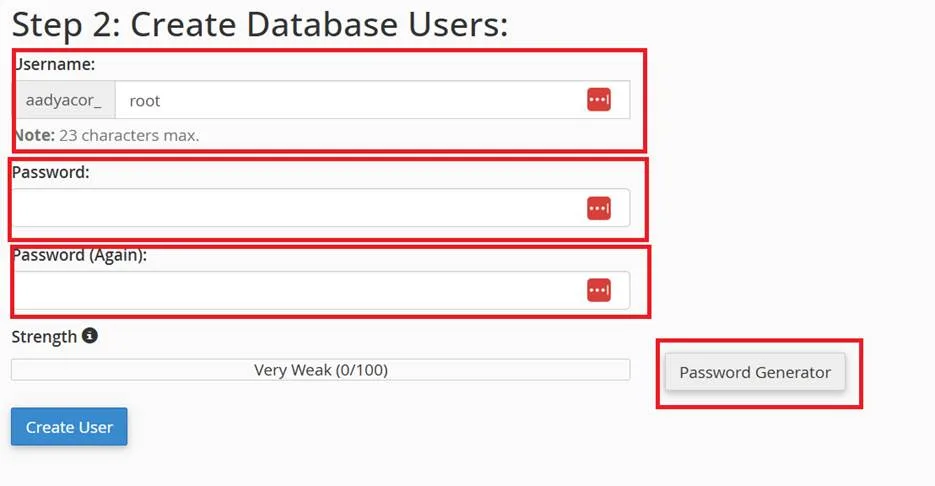
On the next screen click the box next to All Privileges to enable all of the privileges for this user, or you can manually select them. Click on the Next Step button and cPanel will create the database and assign the user to it.